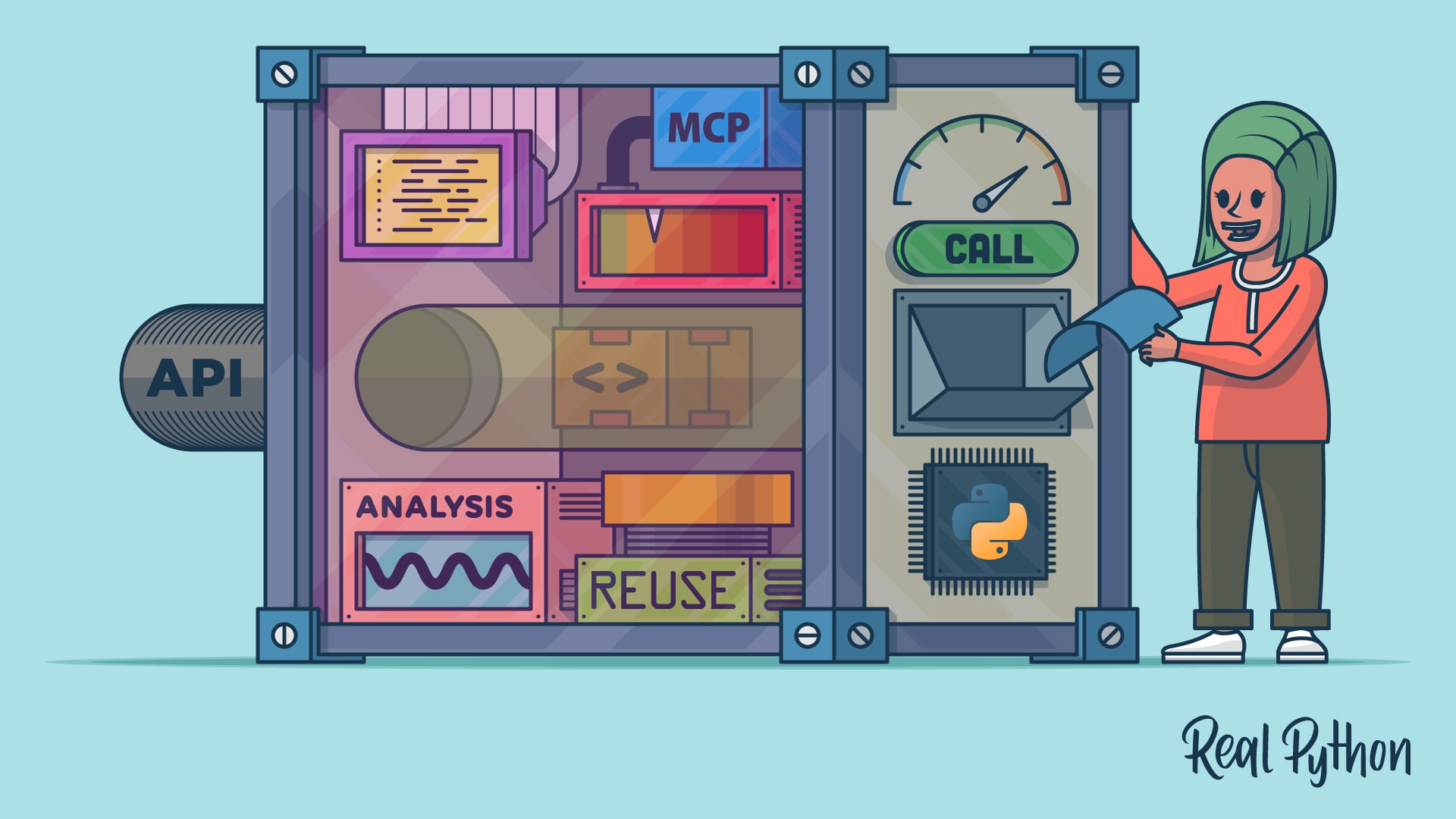
Anthropic open-sourced the Model Context Protocol (MCP) in November 2024 to fix a scaling problem: every new tool a model reached for needed its own integration, built on direct API calls. Building that integration today involves a decision usually framed as MCP vs API calls.
One year later, more than 10,000 public MCP servers were running. ChatGPT, Gemini, Cursor, and Microsoft Copilot had all added support, and Anthropic had donated the protocol to the Linux Foundation. So it’s tempting to see direct API calls as the old way to connect a tool and MCP as what comes next.
With direct API calls, you describe the tool to the model provider’s API yourself, and your own function-calling code runs that tool whenever the model requests it. With MCP, you put that same tool behind a small standard server that any MCP-aware client can discover and call. To see the difference up close, you’ll build one small tool that looks up a package on PyPI and connect it to an app both ways.
MCP isn’t a replacement for direct API calls, though. An MCP server typically reaches its own backends the same way, through ordinary HTTP requests. MCP adds a layer on top of those requests instead of replacing them. So the question isn’t which technology is newer. It’s whether you’ll reuse your tools beyond the app you’re writing today.
If you’ve ever integrated the same tool into several apps and then kept those copies in sync by hand, then MCP targets exactly that problem. You write the tool once, and every app reuses it. If you’re shipping one app and want nothing extra to run, then the direct API call you already know is hard to beat. Here’s a quick reference to help you choose the right approach:
| Use Case | Pick MCP | Pick Direct API Calls |
|---|---|---|
| You’ll reuse the same tools across several apps or model providers | ✅ | — |
| You’re shipping one app and want zero extra infrastructure | — | ✅ |
The comparison sections below give the reasoning behind each row.
Get Your Code: Click here to download the free sample code that shows you how to compare MCP and direct API calls in a Python LLM app.
Take the Quiz: Test your knowledge with our interactive “MCP vs API Calls: Which Should You Use for Python LLM Apps?” quiz. You’ll receive a score upon completion to help you track your learning progress:
Interactive Quiz
MCP vs API Calls: Which Should You Use for Python LLM Apps?Test your understanding of MCP vs API calls in Python LLM apps, from tool schemas and MCP servers to when each approach pays off.
AI Agent From Scratch Live Course: Want to see how an agent decides when to call a tool? In Real Python’s Build an AI Agent From Scratch in Python live course, you build the agent loop by hand, from the model call to the tool, so you can predict what agents do. Join the waitlist to hear about the next dates.
Metrics Comparison: MCP vs API Calls
MCP and direct API calls give you the same capability, so what separates them is structure and cost. A single tool call takes about the same time in both, so the comparison comes down to what each approach installs, runs, and repeats as your project grows.
This comparison weighs the two approaches along four axes:
- Setup cost: Both approaches need a client library to reach the model. MCP also needs a package that implements the protocol, plus a separate server process to run. Direct API calls need neither, because the tool runs as a plain function inside your app.
- Code per tool: Each tool needs a schema, the JSON description of its name and parameters. MCP takes a one-line registration and hands the schema back to any client that asks, while a direct API call takes a schema you write by hand.
- Reach: An MCP server carries a tool to other model providers and to clients you didn’t write, while a direct API call hard-codes the tool inside one app.
- Maturity: MCP arrived in late 2024, and its specification still moves quickly, while function calling has been part of the major model APIs since 2023.
Both approaches also need a dispatch loop, the code that runs the tool the model asks for and sends the result back.
The costs add up differently. You pay MCP’s setup cost once: a dependency, a server, and a registration. The server does remain one more process to run, though. The direct API call’s costs are smaller but return with every new app that needs the tool. So the more apps you build, the more MCP’s upfront cost pays for itself.
Feature Comparison 1: Integration Effort and Reusability
The first difference between the two approaches is the work of integrating a tool and how much of that work you can reuse when the next app needs the same tool.
You’ll write one Python function, get_package_info(), and integrate this function into a Python LLM app two ways: once with direct API calls and once with MCP. The tool stays identical across both approaches, so the only difference is its integration in the app.
Two terms are worth pinning down first. This tutorial uses the model as shorthand for the LLM that your app sends questions to, and it uses function and tool interchangeably, because a function that the model can call is what both approaches refer to as a tool.
The examples use Python 3.14 with anthropic 1.4.0 and mcp 2.1.1, and all the code runs on Python 3.10 and later. To follow along, you should be comfortable writing Python functions and working with dictionaries and JSON. The MCP client uses async and await, so a quick look at Python’s asyncio will help if those are new to you.
It’s a good idea to install both packages in a dedicated virtual environment, which keeps them from interfering with your other projects. You can create the virtual environment and install the packages with pip:
$ python -m venv .venv
$ source .venv/bin/activate
(.venv) $ python -m pip install anthropic==1.4.0 mcp==2.1.1
This tutorial uses the Anthropic client as an example, and that client requires an API key to work. Create a key in the Claude Platform, and then export it as an environment variable in your shell session so that the anthropic SDK can use it:
(.venv) $ export ANTHROPIC_API_KEY="your-api-key-here"