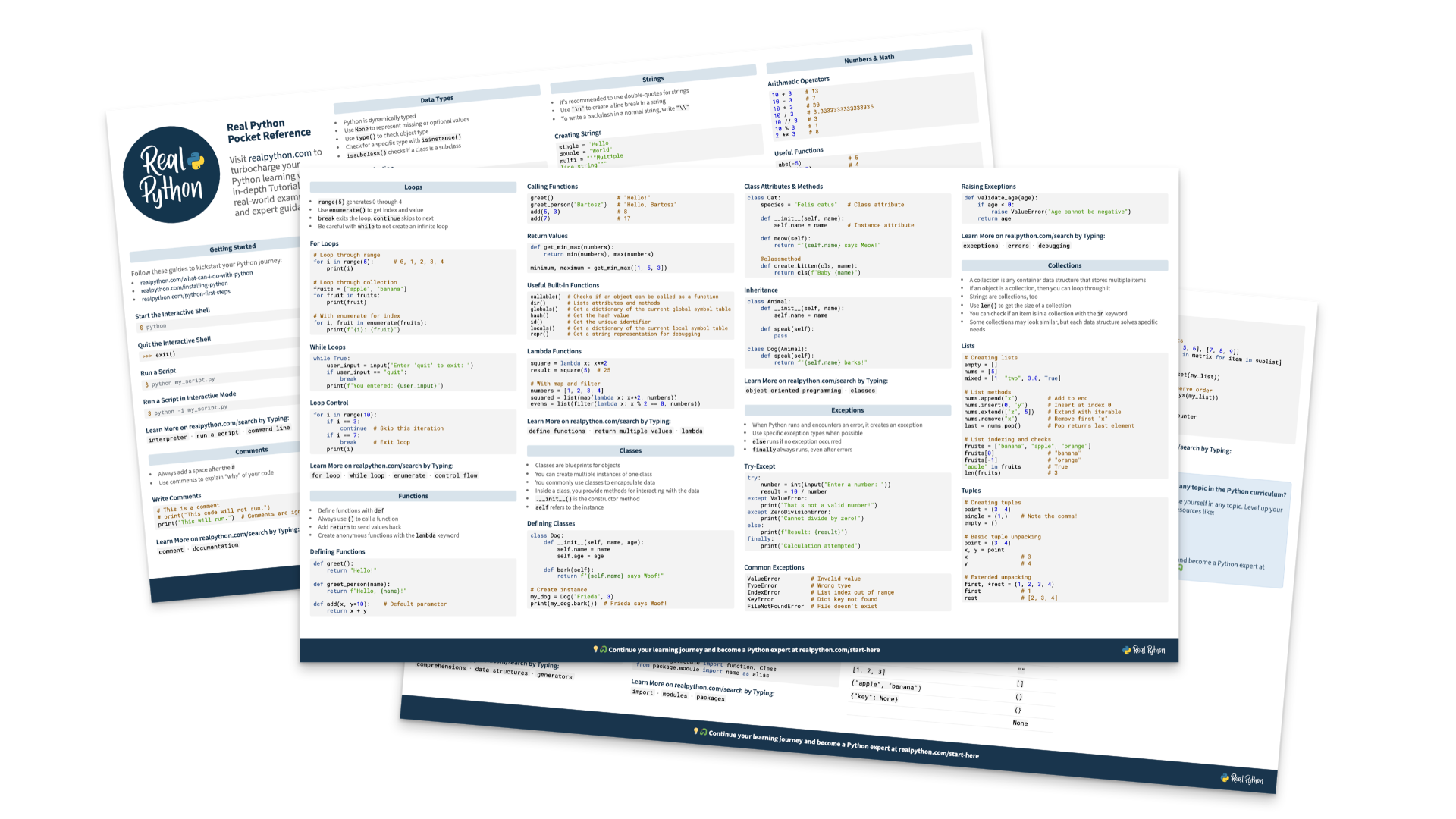
Getting started with Meta Muse in Python takes only a few lines of code, because Meta’s Model API speaks the same protocol as OpenAI’s. Knowing what you get for your money takes a bit longer. In this tutorial, you’ll call Muse Spark and the open-weights Muse Glimmer, stream a conversation, send an image, run a tool call, and parse typed output, with real timings and costs from the test runs.
The Muse models are Meta’s family of AI models for developers. Muse Spark is a reasoning large language model (LLM) that you call through the Meta Model API. Muse Glimmer is a 30-billion-parameter model whose weights you can download. Meta also uses the name Muse for a consumer app and a gadget, so the next section sorts out which is which.
By the end of this tutorial, you’ll understand that:
- Muse on its own is Meta’s consumer AI agent, which has no public API, while the Muse models are what you call from Python.
- You can reach Muse Spark through Meta’s own endpoint or through OpenRouter, which charges the same token prices.
- Reasoning is always on, but lowering the effort to
"minimal"cut latency by more than half and cost by about 60 percent in this tutorial’s test, without losing accuracy. - Muse Spark handles images, tool calls, and structured output through the standard OpenAI request format.
- Hosted Muse Glimmer answered the same test question for about one-eighth of Spark’s cost, and its Apache 2.0 license allows commercial use.
To decide where to start, find your situation in this table:
| Your situation | Recommendation |
|---|---|
Already use the openai package and want a hosted reasoning model with a 1M-token context |
Muse Spark through the Meta Model API or OpenRouter |
| Want open weights that you can host on your own hardware under a permissive license | Muse Glimmer with Ollama or a hosted provider |
| Want a personal assistant that sends emails and shops for you, and don’t plan to write code | The Muse app |
The next section untangles the Muse names.
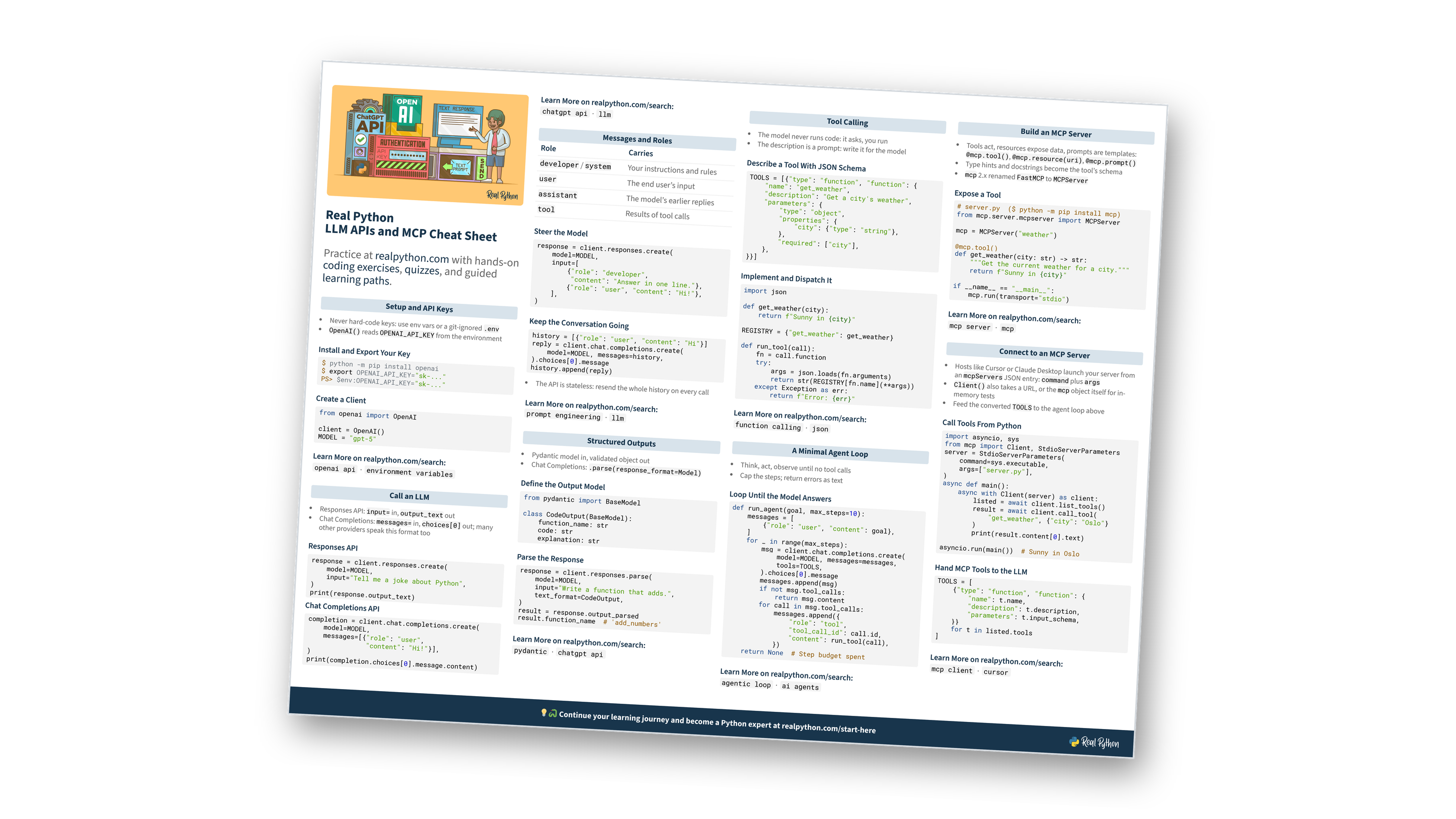
Free Bonus: LLM APIs and MCP Cheat Sheet
Get an LLM APIs and MCP Cheat Sheet (PDF) and keep API calls, structured outputs, tool calling, agent loops, and MCP servers at hand on one page:
Take the Quiz: Test your knowledge with our interactive “Get Started With Meta Muse in Python: Spark and Glimmer” quiz. You’ll receive a score upon completion to help you track your learning progress:
Interactive Quiz
Get Started With Meta Muse in Python: Spark and GlimmerCheck your grasp of calling Muse Spark from Python, from reasoning tokens and images to tool calls, typed output, and the open Muse Glimmer.
Muse Models vs the Muse Agent and Muse Charm
Meta uses the name Muse for developer models, a consumer agent, and an upcoming gadget, and you access each one in a different way.
The Muse models are developer products: Muse Wonder, Muse Spark, Muse Ember, Muse Glimmer, Muse Code, Muse Image, and Muse Voice Transcribe. You call the hosted ones through the Meta Model API with an API key and pay for what you use. Glimmer is the exception, because Meta publishes its open weights instead of hosting it.
Muse on its own is Meta’s personal AI agent. Meta introduced it on September 8, 2026 as an agent that “proactively helps with people’s goals and suggests ideas.” You reach it through iOS and Android apps, the web at muse.ai, WhatsApp, and a Mac desktop app. For now, it’s available only in the US.
The agent sends emails, books travel, and shops through connectors such as Instacart. It’s free up to a weekly usage limit, and the Power and Maximum plans cost $20 and $100 a month. Meta says the agent is powered by “Muse Spark, Meta’s most capable model to date, built for real-world agentic work,” without naming a version.
Muse Charm is the gadget. Meta announced it at Connect on September 23, 2026, and promises only “more to share later this year” in its Connect recap. It hasn’t shipped and has no price. Press reports describe a keychain-sized device with a two-inch touchscreen and 5G, but sources disagree about its camera, so treat these specs as provisional.
Muse Gadgets lets you build your own hardware for Muse. On October 2, 2026, Meta open-sourced the Muse Gadget SDK under Apache 2.0, with firmware for ESP32 boards and a Linux SDK for machines such as a Raspberry Pi. To pair a device, you create an SDK token at gadgets.muse.ai and turn on Developer mode in the Muse app.
The Linux SDK is the part for Python developers. It’s a Python package called musegadget that needs Python 3.9 or newer. It isn’t on PyPI, so you install it with the repository’s install.sh script. Once your machine is paired, Muse can run commands on it, and you can add your own commands in Python. Scripts on the machine can also post into your Muse chat with musegadget send-user-msg.
The three products differ mostly in how you can reach them:
| Muse models | Muse agent | Muse Charm | |
|---|---|---|---|
| What it is | Hosted and open-weights models | Personal AI agent app | Pocket device for talking to Muse |
| Status | Model API generally available since Connect 2026, Glimmer and Muse Spark Open weights public | Live in the US since September 8, 2026 | Announced, not released |
| Account and billing | Model API team account, payment card, usage-based billing | Meta account, Free, Power, or Maximum plan | No price announced |
| Data terms | Data from the standard tier isn’t used for training | Not shared with ads systems, model training is opt-out | Not announced |
| Python access | Full API through the openai package |
No public API. Reviewed connectors, or a Muse Gadget paired to your own account | None, but you can build your own with Muse Gadgets |
The consumer agent has no public API that you can call with a key the way you call the Model API. A paired gadget only reaches your own Muse. To reach other people’s Muse agents, you submit an existing Model Context Protocol (MCP) server or an API to the Muse Connector Platform. Meta reviews it for “functional, security, and legal requirements” before it appears in Muse’s directory.
Meta’s developer documentation doesn’t tie a Power or Maximum plan to Model API usage, so expect to pay for the app and the API separately.
Older products called Muse, such as the InteraXon meditation headband, Microsoft’s gameplay model, and Google’s text-to-image research, are unrelated.
Get Started With Meta Muse in Python
As of November 2026, Meta’s developer lineup includes these products:
| Product | API ID | Weights | Price |
|---|---|---|---|
| Muse Wonder 1.0 (preview) | muse-wonder-1.0 |
Closed | $4.00 input and $20.00 output per 1M tokens |
| Muse Spark 1.3 | muse-spark-1.3 |
Closed | $1.25 input and $4.25 output per 1M tokens |
| Muse Spark Open | Not on the Model API | Open, Muse Model License | Free to self-host on a multi-GPU server, or through hosted providers |
| Muse Ember 1.0 | muse-ember-1.0 |
Closed | $0.10 input and $0.50 output per 1M tokens for requests up to 200K tokens |
| Muse Glimmer 30B | Not on the Model API | Open, Apache 2.0 | Free to self-host, or from $0.30 input and $1.10 output per 1M tokens hosted |
| Muse Code | Command-line tool muse |
Closed | API rates, or plans from $5 a month |
| Muse Image | muse-image-1.0 |
Closed | $0.01 per image |
| Muse Voice Transcribe | muse-voice-transcribe-1.0 |
Closed | $0.18 per hour of audio |