Real Python AI News · Weekly edition · The week of November 7–13, 2026
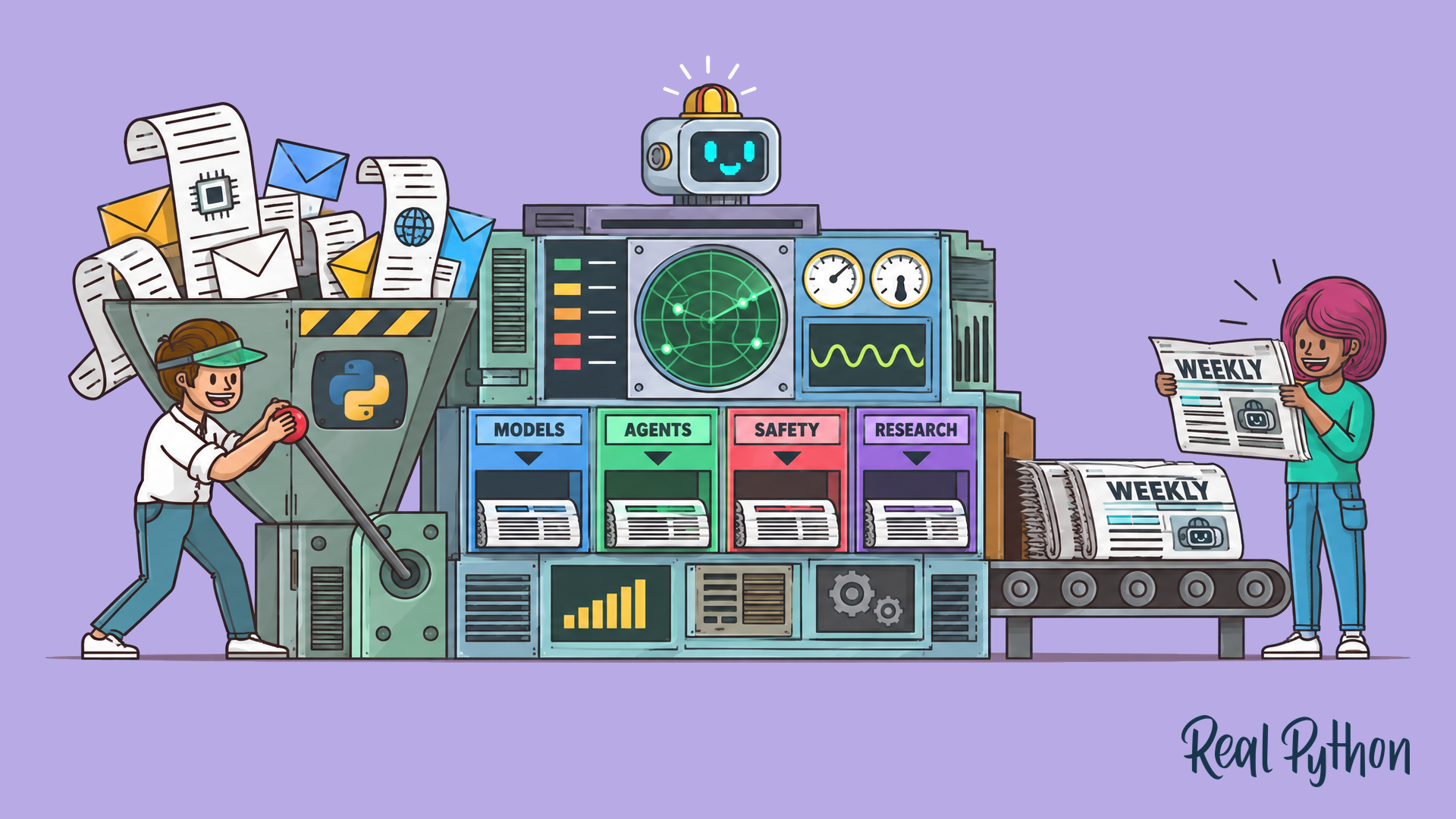
Stop Falling Behind on AI. Catch Up in Five Minutes.
New models, new prices, new agent tools, all the time. Our new AI newsletter gives you the handful of stories you actually need as a developer. Free, straight from the Real Python team.
The big AI companies spent the week making their best models cheaper and faster to use. Here’s what changed, explained in plain language, plus two cases where AI produced work that a computer could check line by line.
Anthropic’s Top Claude Models Now Cost Less and Answer Faster
Claude Fable 5.2 and Claude Mythos 5.2 are new versions of Anthropic’s most capable AI models, the trained programs inside the Claude assistant. Anthropic says the two share one underlying model. Fable has strong safeguards around cybersecurity and biology, so anyone can use it. Mythos has fewer and is open only to vetted organizations.
Developers connect their apps to Claude through an API, a way for one piece of software to talk to another. They pay by the token, a small piece of text such as a short word. Sending a million tokens costs $8, and a million tokens of replies cost $40. Anthropic says replies come up to 30 percent faster than with version 5.1. An optional fast mode costs double, $16 and $80, and Anthropic says it writes up to 2.5 times faster.
On BenchCAD 2.1, a hardware engineering test, Anthropic reports a score of 83.5 for Fable 5.2 at its highest effort setting, up from 44.4 for Fable 5.1. These are Anthropic’s own measurements.

“A cheaper token doesn’t always mean a cheaper job. A model that thinks longer or writes more uses more tokens, so a finished task can still cost more. Anthropic says Fable 5.2 needs fewer tokens per task than 5.1 at its default setting. Businesses find out the real cost by trying it on their own work.”
— Philipp Acsany, Real Python
Google’s Most Capable AI Model, Gemini 4 Carbon, Opens to Programmers
Google calls Gemini 4 Carbon its strongest AI model yet, but it still points most everyday work to Argon, the earlier Gemini 4 model. Carbon is for harder problems like long coding jobs and open-ended scientific research. Cybersecurity defenders got it first, through a Google program called Fairwind.
Paying programmers can now build Carbon into their apps through the Gemini API. Google charges per token, and Carbon costs $2 for every million tokens sent to it and $10 for every million it writes back, the same as Argon. That introductory price rises to $4 and $20 after November 30, 2026. Google AI Ultra subscribers also get Carbon in the Gemini app.
Google says Carbon ranks first on three tests built by other companies, at less than half the cost per task of the next-best rival. Google is also trying out /swarm in Antigravity, its programming tool. It hands one request to a team of agents, AI helpers that carry out tasks on their own.
“Carbon is the top tier of Google’s two-tier Gemini 4 rollout, with the cheaper, faster Hydrogen model as the everyday option. The rankings come from Google itself. For a business adding AI to its products, a strong model with a lower cost per task makes those features cheaper to run, at least until the launch price doubles in December.”
— Philipp
Gemini 4 Hydrogen Is Google’s Quicker, Cheaper Model for Everyday AI Work
Gemini 4 Hydrogen is the quick, low-cost tier of Google’s new Gemini 4 family. Carbon and its sibling Argon are built for hard, many-step problems. Google calls Hydrogen its “daily driver” for everyday tasks.
Developers pay $1.50 per million tokens sent in and $7.50 per million written back, below Carbon’s introductory $2 and $10. That price holds up to a million tokens per request, the model’s context window, or the most text it can read at once.
Google says Hydrogen finishes tasks 2.5 times faster than Gemini 3.8 Flash, its previous fast model. On Terminal-Bench 4.1, a test of work on a computer’s command line, Google reports 57 percent, up from 18.2 percent. On the Artificial Analysis Intelligence Index, Google puts it at 51, one point above Argon.
Hydrogen is out now in AI Studio, the Gemini API, the Gemini app, and Google Search. In Antigravity, Google’s app for coding with AI, a new tool called Orchestrator hands each part of a job to Hydrogen or Carbon.
“Fast, cheap models like this one do much of the everyday AI work in apps and business tools, where a task may run thousands of times a day. With two tiers, developers can send hard problems to Carbon and routine ones to Hydrogen. The speed and test figures are Google’s own.”
— Philipp
Google’s New AI Service Answers Up to 1,000 Fixed Questions About One File in a Blink
An online shop asks the same questions about every product photo it gets. Is the picture sharp? Which category fits the item? Google’s new Gemini Decisions API is built for that kind of job. An app sends one input, such as a photo, a PDF, or a video, plus up to 1,000 yes-or-no, multiple-choice, or scoring questions.
The model behind it, Gemini Decision 1, scores the possible answers in one step instead of writing them out. Google says a request takes 150 to 250 milliseconds, a quarter of a second at most. Each answer carries a confidence number between 0 and 1. Google says these numbers are well calibrated, meaning a 0.9 should be right about nine times in ten, so an app can pass the doubtful cases to a person.
The API charges by the token, but only for the input, at $0.10 per million tokens. Programmers can try it in Google AI Studio, Google’s site for testing its models.
“A lot of AI work inside companies is sorting, like flagging spam or sending a customer email to the right team. Those checks run all day, so speed and cost matter more than good writing. A tool this cheap could bring them within reach of small businesses. The speed, price, and calibration figures come from Google’s own tests.”
— Philipp
Other AI News
- Apache httpd HTTP/2 remote code execution flaw: Version 2.4.71 fixes CVE-2026-119618, a critical mod_http2 heap corruption in 2.4.55 through 2.4.70. The advisory credits Anthropic’s OSS Scanner, with Google Cloud Vulnerability Research, for finding it.
- AWS Emulator, a local AWS written by agents: A local emulator of AWS services for offline testing, with source on GitHub under CC0. AWS says autonomous agents wrote all of it without human review.
- Thinking Machines’ Inkling 2 Small open weights: A multimodal mixture-of-experts model with 594B total and 17B active parameters, 1M-token context, and an Apache 2.0 license. vLLM and SGLang support it from day one.
- Meta’s Muse Ember, a small low-cost model: Muse Ember is live on the Meta Model API at $0.10 per million input and $0.50 per million output tokens for prompts up to 200K tokens, more beyond that. Meta says it matches Claude Haiku 5.5’s best score at about a third of the cost.
- DeepMind’s AlphaProof Code verifies Signal’s crypto code: DeepMind’s agents wrote over six million lines of Lean proofs checking key security properties of the Signal protocol’s actual code. Humans reviewed about 1%.
- Nvidia CEO Jensen Huang resigns: Huang leaves effective immediately. CFO Colette Kress is interim CEO, and Harvey C. Jones becomes Nvidia’s first board chair.
- AI system proves the Aaronson-Ambainis conjecture: PSI says its research system, running a non-public Anthropic model, proved a quantum computing conjecture open since 2008, and the Lean proof assistant accepted it. The paper and proofs are public, a sign that AI can now settle named open problems.
Dive in Deeper
Real Python helps you understand the concepts behind the news. You can explore these topics further with the resources below.
A plain walk-through of why Gemini 4 Carbon takes longer to think, the model behind this week’s Google news:

Tutorial
Gemini 4 Carbon Explained: Google's Model That Thinks Longer
Gemini 4 Carbon is Google's new reasoning model. Learn what it is, what it costs, and how to call it from Python with the google-genai SDK.
How programmers connect their own code to Claude, the way apps will reach the cheaper Fable 5.2:

Tutorial
How to Use the Claude API in Python
Learn how to use the Claude API in Python to send prompts, control responses with system instructions, and get structured JSON output.
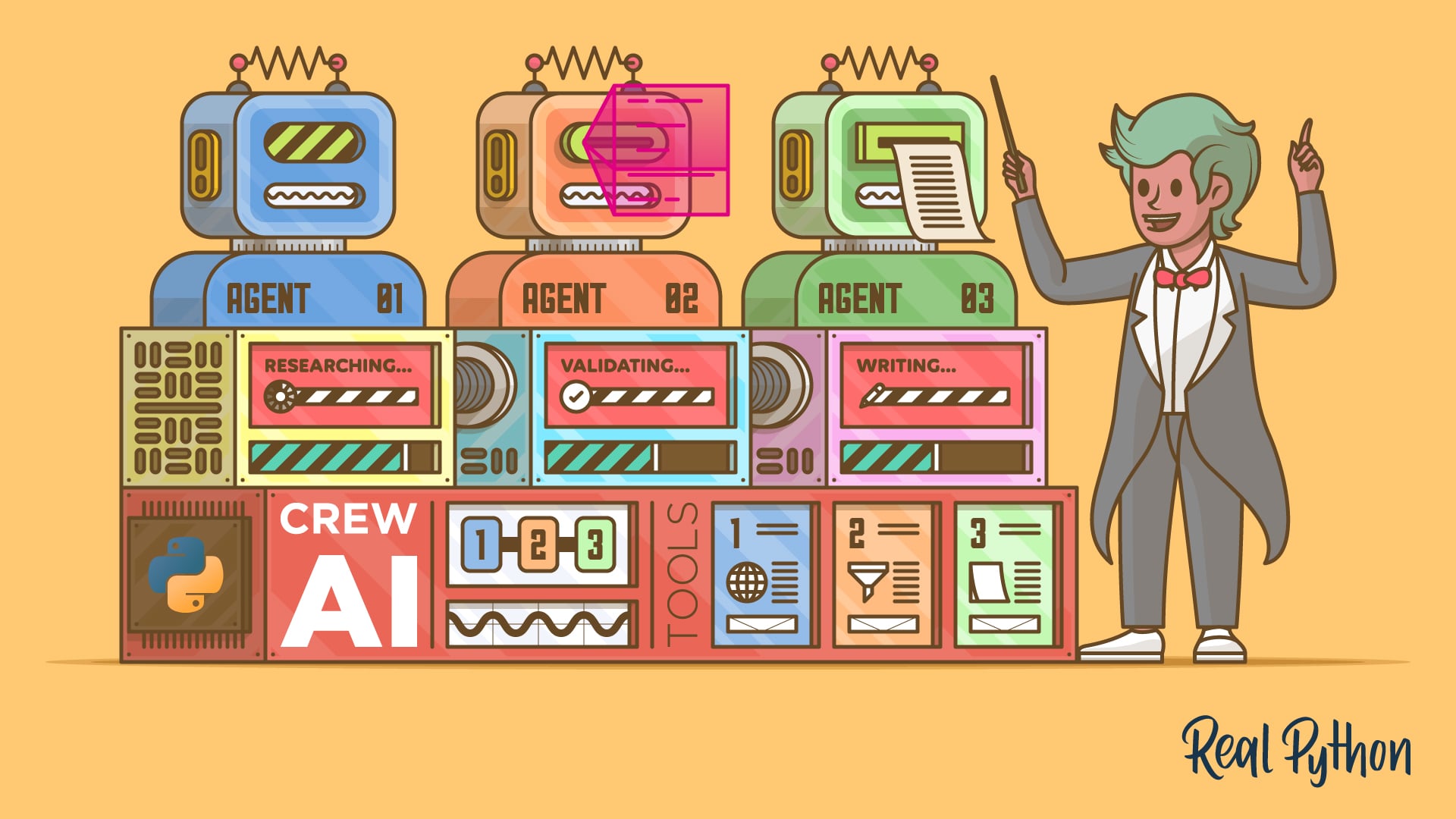
How a team of AI agents splits up a job, the same idea as Google’s new agent swarms:
Tutorial
CrewAI in Python: Coordinating Teams of AI Agents
Learn how to use CrewAI to build teams of AI agents in Python, define roles and tools, and coordinate multi-agent workflows that solve complex tasks.
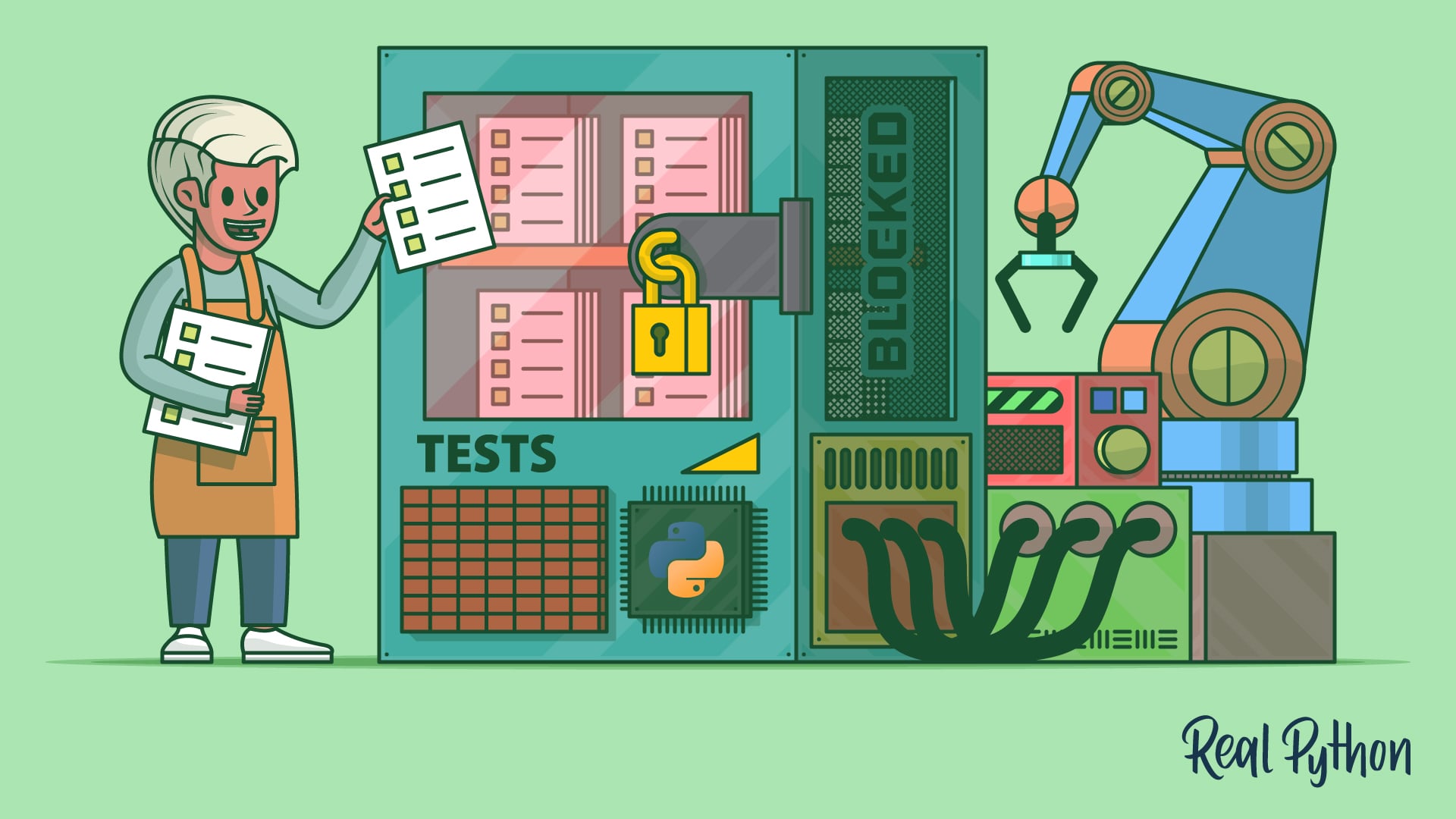
How to let an AI agent write code while tests keep it honest, like the agent-built AWS Emulator:
Tutorial
TDD With AI Agents: Design the Tests First, Let the Agent Implement
Learn how to use test-driven development (TDD) with AI agents in Python. Design the tests first, then let a coding agent write code that passes them.
That’s it for this week.
If you want the most important AI news straight to your inbox, sign up below.
– The Real Python Team
Stop Falling Behind on AI. Catch Up in Five Minutes.
New models, new prices, new agent tools, all the time. Our new AI newsletter gives you the handful of stories you actually need as a developer. Free, straight from the Real Python team.