resource management
Your programs will often depend on external resources, such as files, network connections, database sessions, locks, or temporary directories. These resources must be acquired and released after use. If you forget to release them, you risk resource leaks, data corruption, and subtle bugs that may only become apparent under workload.
Python’s with statement and context managers were added precisely to solve this problem.
Here are some best practices that you can apply when managing external resources:
- Use
withfor resources that need setup and teardown steps. Open files, acquire locks, start sessions, and similar operations inside awithblock so they’re automatically released, even if an exception occurs in the body. This practice will make resource management safer, clearer, and less repetitive. - Keep resource lifetimes as short as possible. Acquire resources in the smallest scope that needs them, such as inside a function, rather than at import time or module level. This practice reduces contention, avoids leaks, and facilitates reasoning about your code.
- Pack setup and teardown logic in custom context managers. Wrap operations that must always be reversed, such as changing directories, acquiring a lock, or starting a transaction, in a custom context manager. This practice avoids duplicating
try…finallyblocks all around your code and prevents you from forgetting to release the acquired resources. - Use
contextlibandExitStackfor complex cases. Thecontextlibmodule provides tools likecontextmanagerandExitStackthat help you manage context managers dynamically. - Avoid leaking resources across layers. Avoid returning open file handles or raw connections from low-level code unless the caller is clearly responsible for closing or releasing them. Favor returning data, like text or other data structures.
To see these ideas in practice, compare the following two functions that read the first line from a file:
🔴 Avoid this:
def read_first_line(file_path):
    file = open(file_path, encoding="utf-8")
    return file.readline().rstrip("\n")
This function works, but it never closes the file explicitly. In larger programs or loops, this pattern can leak file descriptors, risking incomplete writes or data corruption.
✅ Favor this:
def read_first_line(path):
    with open(path, encoding="utf-8") as file:
        return file.readline().rstrip("\n")
In this version, the with statement ensures that the file is closed when the block terminates, even if an exception occurs while opening or reading the file. The function’s responsibility is now clear: open the file, read one line, return it, and close the file properly.
Related Resources
Tutorial
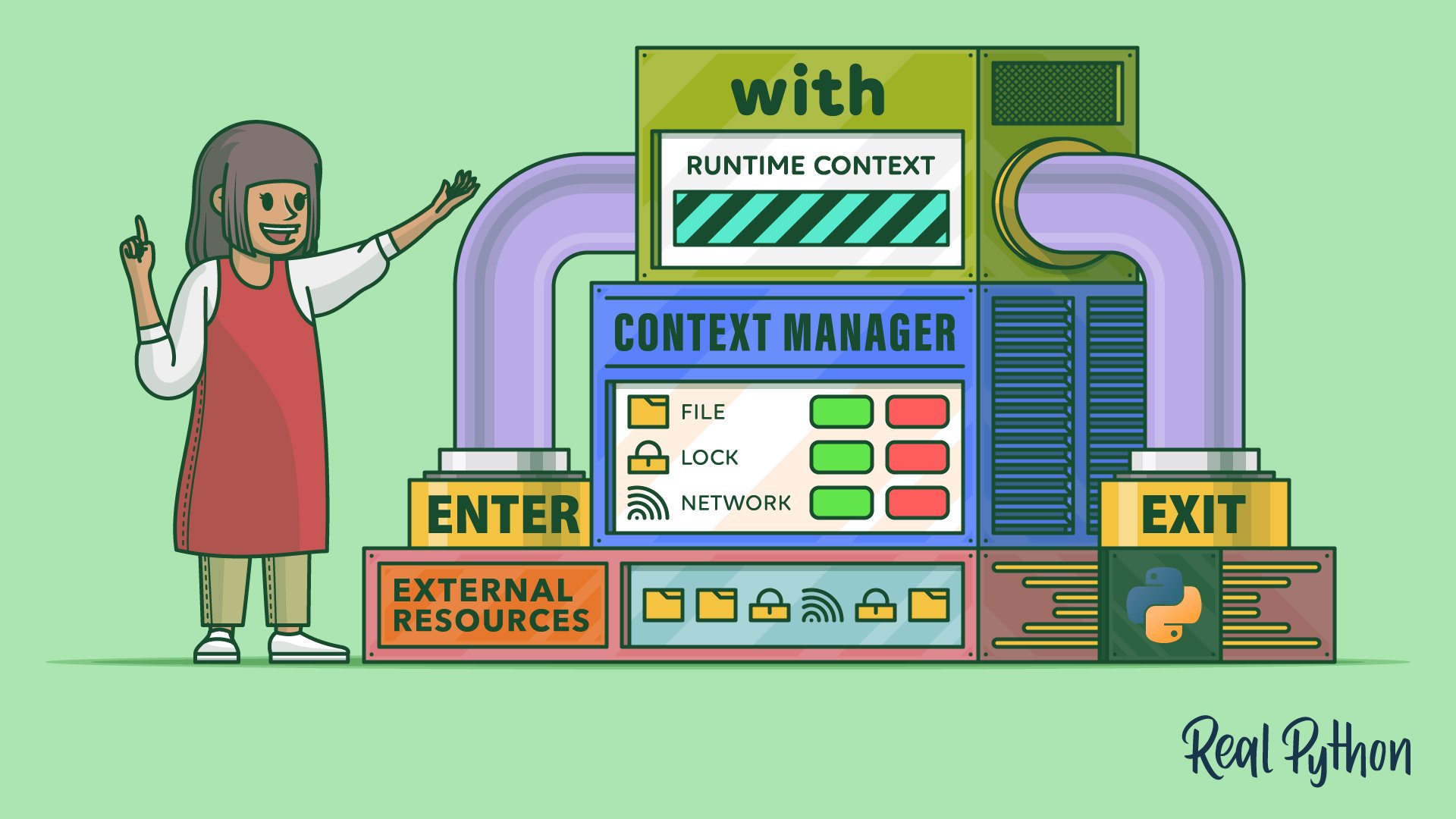
Python's with Statement: Manage External Resources Safely
Understand Python's with statement and context managers to streamline the setup and teardown phases in resource management. Start writing safer code today!
For additional information on related topics, take a look at the following resources:
- Why Is It Important to Close Files in Python? (Tutorial)
- Reading and Writing Files in Python (Guide) (Tutorial)
- Python Thread Safety: Using a Lock and Other Techniques (Tutorial)
- Socket Programming in Python (Guide) (Tutorial)
- Context Managers and Using Python's with Statement (Course)
- Context Managers and Python's with Statement (Quiz)
- Reading and Writing Files in Python (Course)
- Reading and Writing Files in Python (Quiz)
- Thread Safety in Python: Locks and Other Techniques (Course)
- Python Thread Safety: Using a Lock and Other Techniques (Quiz)
- Programming Sockets in Python (Course)
- Socket Programming in Python (Quiz)
By Leodanis Pozo Ramos • Updated Feb. 2, 2026
