concatenation
In Python, string concatenation consists of joining two or more strings end-to-end to form a new string. You can concatenate strings with the plus operator (+). This is handy when you need to build text dynamically from multiple values.
Because strings are immutable, concatenating with + creates a new string object each time. For a small number of pieces, + is perfectly fine. However, if you’re concatenating many fragments, prefer using the str.join() method to join the strings efficiently.
When you use + for string concatenation, both operands must be strings. Python won’t implicitly convert other types to str, so you’ll need an explicit conversion.
Example
Here’s a simple example demonstrating string concatenation using the + operator:
>>> first_name = "John"
>>> last_name = "Doe"
>>> full_name = first_name + " " + last_name
>>> print(full_name)
John Doe
In this example, first_name and last_name are concatenated with a space in between to form full_name.
Note: The + operator also concatenates other sequence types, such as lists and tuples:
>>> [1, 2] + [3, 4]
[1, 2, 3, 4]

>>> (1, 2) + (3, 4)
(1, 2, 3, 4)
Related Resources
Tutorial
Efficient String Concatenation in Python
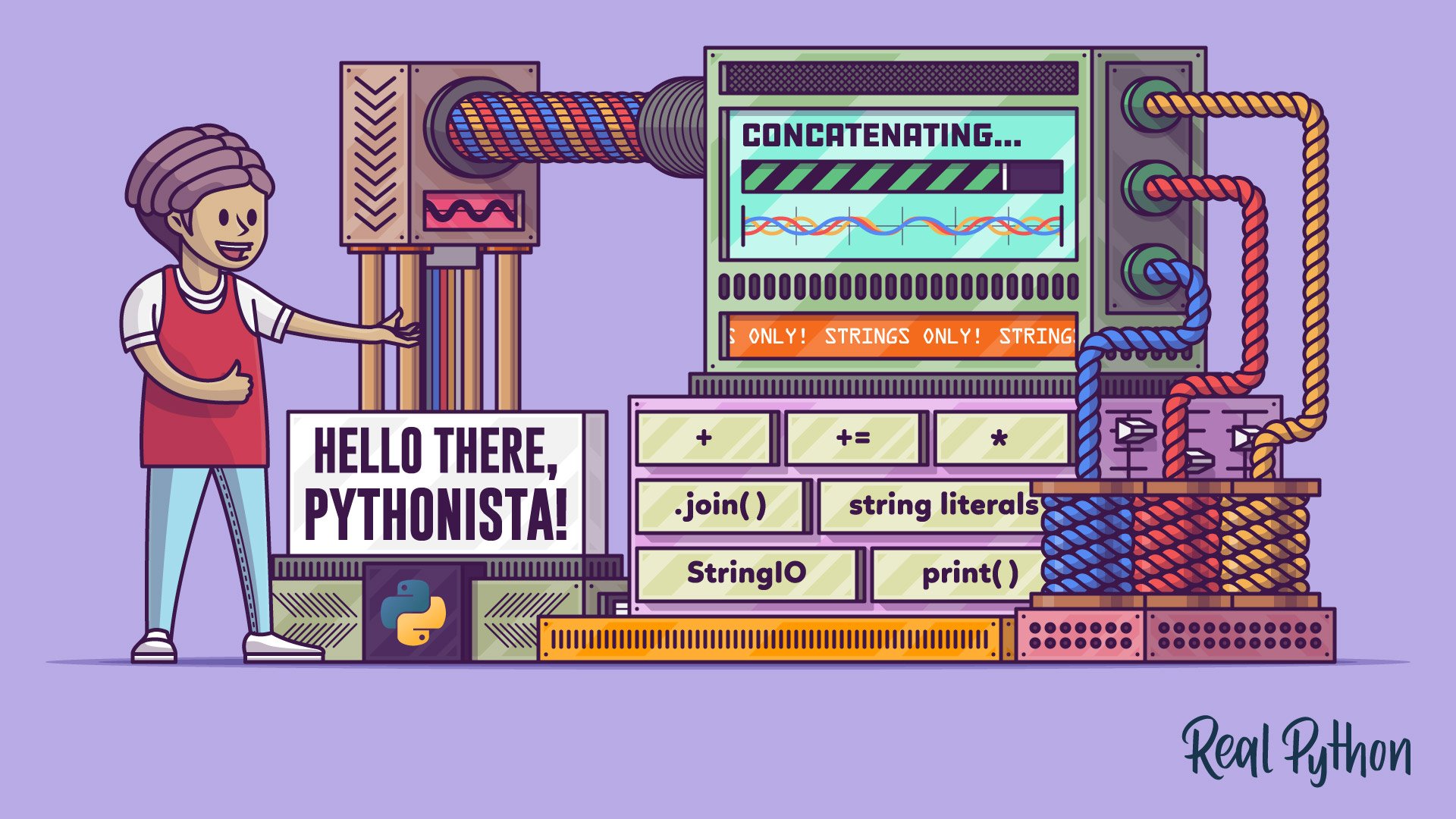
In this tutorial, you'll learn how to concatenate strings in Python. You'll use different tools and techniques for string concatenation, including the concatenation operators and the .join() method. You'll also explore other tools that can also be handy for string concatenation in Python.
For additional information on related topics, take a look at the following resources:
- How to Join Strings in Python (Tutorial)
- Python's F-String for String Interpolation and Formatting (Tutorial)
- Strings and Character Data in Python (Tutorial)
- Splitting, Concatenating, and Joining Python Strings (Course)
- Concatenating Strings in Python Efficiently (Course)
- How to Join Strings in Python (Quiz)
- Python 3's F-Strings: An Improved String Formatting Syntax (Course)
- Python's F-String for String Interpolation and Formatting (Quiz)
- Strings and Character Data in Python (Course)
- Python Strings and Character Data (Quiz)
