code
The Python code module provides facilities for implementing read-eval-print loops (REPL) in programs. It exports two classes and convenience functions for building applications with an interactive interpreter.
Here’s how to launch an embedded interpreter with a custom local namespace:
console.py
import code

local_vars = {"x": 42, "msg": "Hello from the embedded console!"}
code.interact(local=local_vars, banner="App Console", exitmsg="Goodbye!")
Run it on your command line:
$ python console.py
App Console
Once the console launches, you can interact with the local namespace:
>>> x
42
>>> msg
'Hello from the embedded console!'
Press Ctrl+D to exit and see the custom exit message.
Key Features
- Embeds a fully functional Python interpreter console inside an application
- Handles input buffering and incremental compilation of multi-line statements
- Supports a custom local namespace so the console can access application objects
- Allows custom banner and exit messages for the interactive session
- Provides hooks for overriding input and output behavior through subclassing
- Determines whether user input is complete, incomplete, or invalid before executing it
Frequently Used Classes and Functions
| Object | Type | Description |
|---|---|---|
code.InteractiveInterpreter |
Class | Handles parsing and code execution within a configurable namespace |
code.InteractiveConsole |
Class | Emulates the interactive Python interpreter with prompting and input buffering |
code.interact() |
Function | Runs a complete read-eval-print loop as a convenience wrapper |
code.compile_command() |
Function | Determines whether a source string is complete, incomplete, or invalid |
Examples
Using compile_command() to check whether a statement is ready to execute:
>>> from code import compile_command
>>> compile_command("x = 1")
<code object <module> at 0x...>
>>> compile_command("if True:") is None
True
>>> compile_command("x = (") is None
True
A None result signals that more input is needed, while a code object means the command can be executed right away.
Subclassing InteractiveConsole to redirect output to a custom stream:
custom_console.py
import code
import io

class BufferingConsole(code.InteractiveConsole):
    def __init__(self, *args, **kwargs):
        super().__init__(*args, **kwargs)
        self.output = io.StringIO()

    def write(self, data):
        self.output.write(data)

console = BufferingConsole(locals={})
console.runsource("1 / 0")
print(console.output.getvalue())
Run it:
$ python custom_console.py
Traceback (most recent call last):
  File "<input>", line 1, in <module>
ZeroDivisionError: division by zero
Common Use Cases
The most common tasks for code include:
- Embedding a live Python console inside desktop, server, or game applications
- Building custom REPLs for domain-specific languages or scripting interfaces
- Incrementally compiling user-entered source text in editor plugins or IDEs
- Adding a debug console to running applications for live inspection of state
- Implementing interactive tutorials or coding exercises with a controlled namespace
Real-World Example
An application can expose its internal state through an embedded console for inspection and debugging:
debug_console.py
import code

class AppState:
    def __init__(self):
        self.version = "1.0"
        self.active_users = 0
        self.config = {"debug": True, "max_connections": 100}

def launch_debug_console(state):
    banner = (
        "Debug console\n"
        "Access 'state' to inspect the running application."
    )
    code.interact(banner=banner, local={"state": state}, exitmsg="")

if __name__ == "__main__":
    app = AppState()
    launch_debug_console(app)
Run it:
$ python debug_console.py
Debug console
Access 'state' to inspect the running application.
Once inside the console, you can inspect and modify the live application state:
>>> state.version
'1.0'
>>> state.config
{'debug': True, 'max_connections': 100}
>>> state.active_users = 5
>>> state.active_users
5
The code.interact() call drops users directly into a Python session with access to the live application state object, making it straightforward to inspect and modify values at runtime.
Related Resources
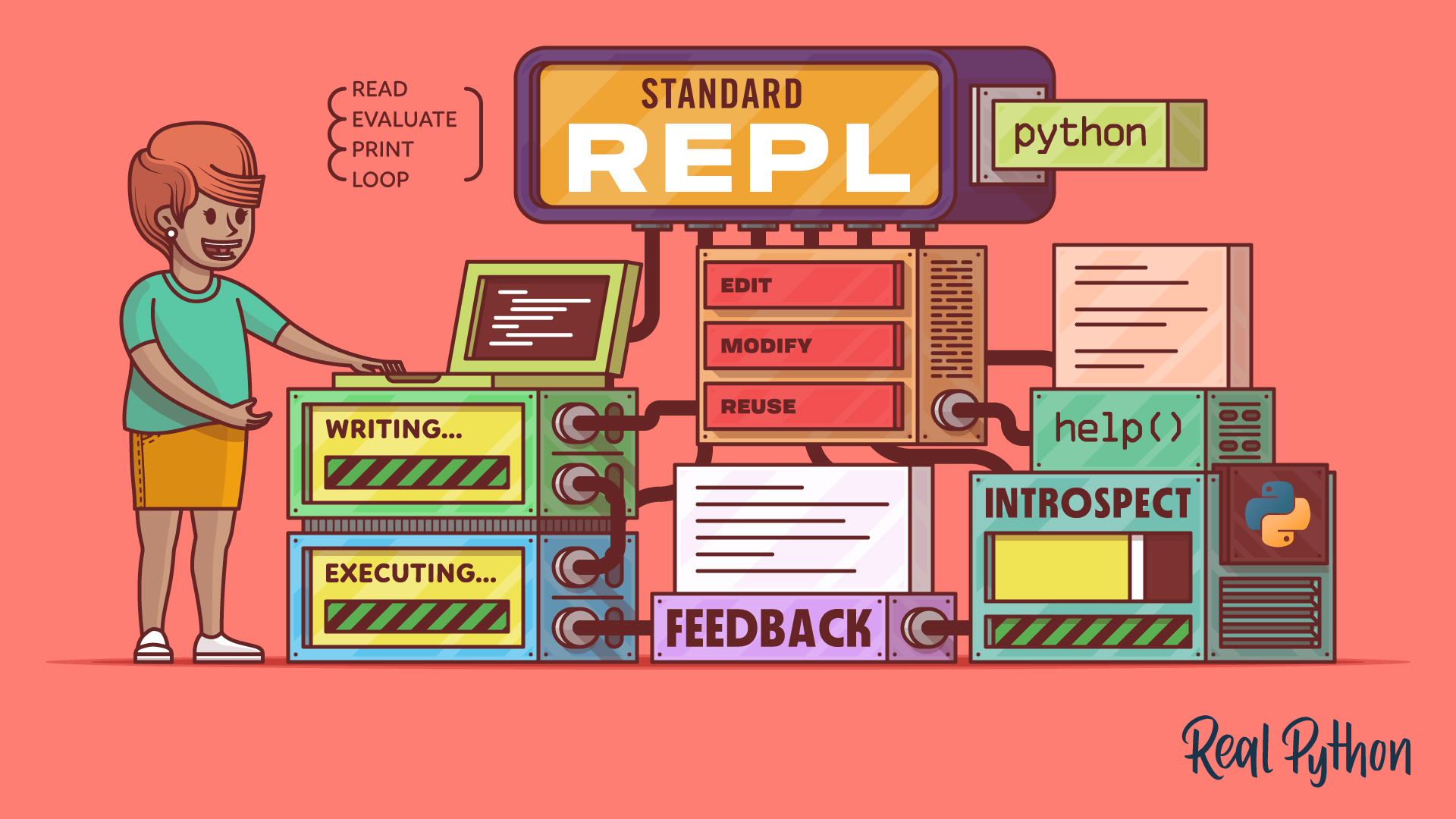
Tutorial
The Python Standard REPL: Try Out Code and Ideas Quickly
The Python REPL gives you instant feedback as you code. Learn to use this powerful tool to type, run, debug, edit, and explore Python interactively.
For additional information on related topics, take a look at the following resources:
- Python 3.13: A Modern REPL (Tutorial)
- Discover bpython: A Python REPL With IDE-Like Features (Tutorial)
- Python Debugging With Pdb (Tutorial)
- Getting the Most Out of the Python Standard REPL (Course)
- The Python Standard REPL: Try Out Code and Ideas Quickly (Quiz)
- Using the bpython Enhanced REPL (Course)
- Debugging in Python With pdb (Course)
By Leodanis Pozo Ramos • Updated March 19, 2026
