codeop
The Python codeop module provides utilities for emulating Python’s read-eval-print loop, specifically for compiling source code incrementally and tracking __future__ statements across an interactive session. The codeop module is typically used indirectly through the higher-level code module, which uses codeop internally.
Here’s a quick look at checking whether a source string is complete enough to execute:
>>> from codeop import compile_command
>>> compile_command("x = 1")
<code object <module> at 0x..., file "<input>", line 1>
>>> compile_command("if True:") is None
True
>>> compile_command("x = (1 + 2)") is not None
True
Key Features
- Determines whether a source string is a complete, incomplete, or invalid Python statement
- Tracks
__future__statements entered during an interactive session so that subsequent input is compiled with those directives in effect - Provides a callable
CommandCompilerclass that behaves likecompile_command()but maintains session state - Provides a callable
Compileclass that behaves like the built-incompile()but also tracks__future__statements
Frequently Used Classes and Functions
| Object | Type | Description |
|---|---|---|
codeop.compile_command() |
Function | Compiles source and returns a code object, None if incomplete, or raises SyntaxError, OverflowError, or ValueError |
codeop.CommandCompiler |
Class | Callable that works like compile_command() and remembers __future__ statements across calls |
codeop.Compile |
Class | Callable that works like the built-in compile() and remembers __future__ statements across calls |
Examples
Using compile_command() to distinguish complete, incomplete, and invalid input:
>>> from codeop import compile_command
>>> compile_command("x = 42")
<code object <module> at 0x..., file "<input>", line 1>
>>> compile_command("for i in range(10):") is None
True
>>> compile_command("x = @@@")
Traceback (most recent call last):
  ...
  File "<input>", line 1
    x = @@@
        ^
SyntaxError: invalid syntax
Using CommandCompiler to maintain __future__ state across multiple calls in a session:
>>> from codeop import CommandCompiler
>>> compiler = CommandCompiler()
>>> compiler("from __future__ import annotations")
<code object <module> at 0x..., file "<input>", line 1>
>>> compiler("x: int = 42")
<code object <module> at 0x..., file "<input>", line 1>
After the __future__ import is compiled, all subsequent calls by the same compiler instance respect the annotations directive, so x: int = 42 is compiled with that directive in effect.
Common Use Cases
The most common tasks for codeop include:
- Implementing the input-completion logic of a custom read-eval-print loop
- Determining whether to display a continuation prompt (
...) or a primary prompt (>>>) in a custom shell - Preserving
__future__directive state across multiple user inputs in an interactive interpreter - Building tools that incrementally compile and execute user-entered Python source
Real-World Example
A minimal custom REPL can use CommandCompiler to handle multi-line input and __future__ tracking:
mini_repl.py
import sys
from codeop import CommandCompiler

compiler = CommandCompiler()
buffer = []
prompt = ">>> "

while True:
    try:
        line = input(prompt)
    except (EOFError, KeyboardInterrupt):
        print()
        break
    buffer.append(line)
    source = "\n".join(buffer)
    try:
        code = compiler(source, "<input>", "single")
    except SyntaxError as err:
        print(f"SyntaxError: {err}")
        buffer = []
        prompt = ">>> "
        continue
    if code is None:
        prompt = "... "
    else:
        exec(code)
        buffer = []
        prompt = ">>> "
Run it:
$ python mini_repl.py
Once running, you can enter multi-line Python statements and the prompt switches automatically:
>>> x = 10
>>> for i in range(x):
...     print(i)
...
0
1
2
3
4
5
6
7
8
9
The CommandCompiler instance decides whether the current buffer is complete enough to execute, switching the prompt between >>> and ... accordingly.
Related Resources
Tutorial
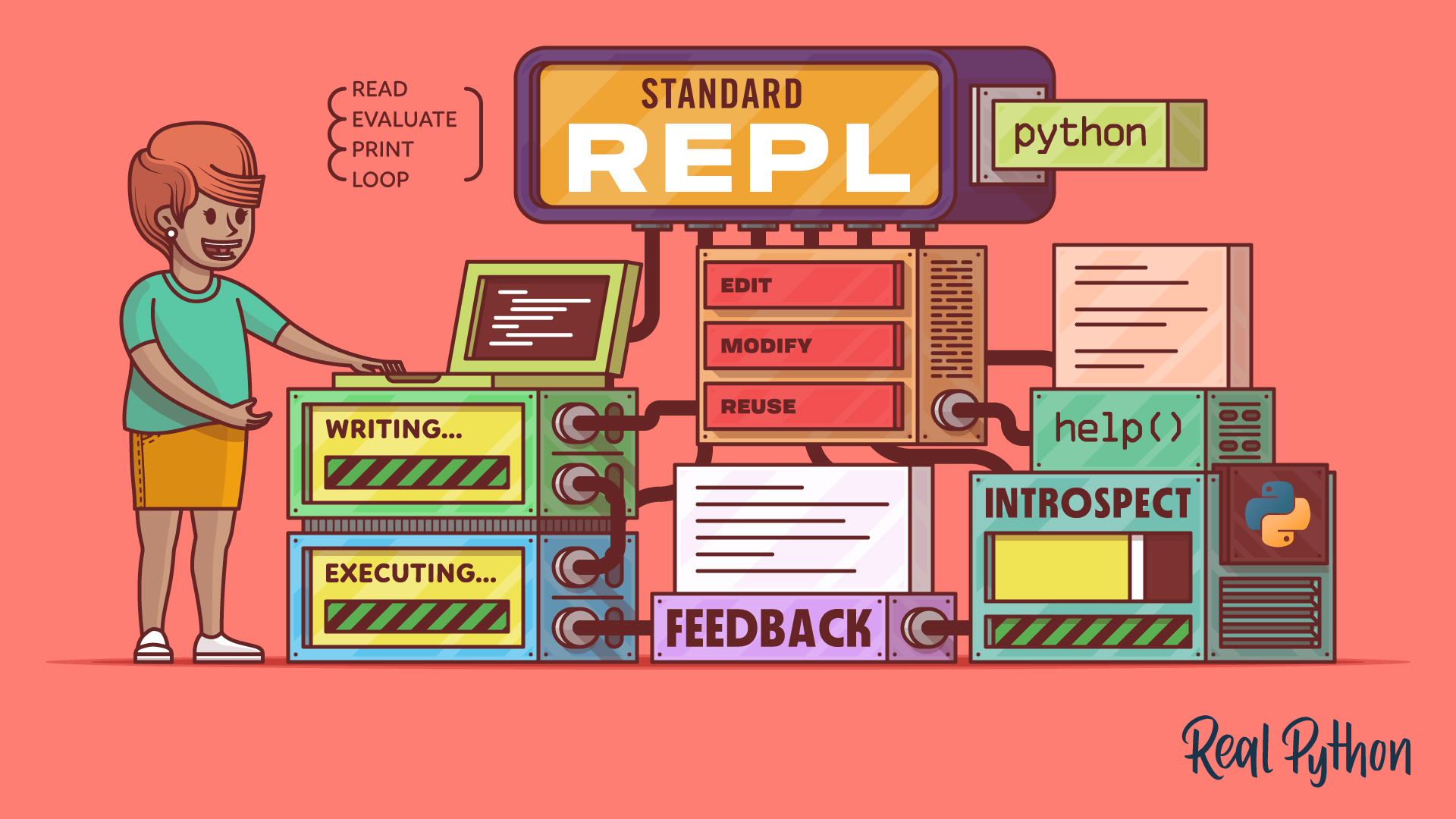
The Python Standard REPL: Try Out Code and Ideas Quickly
The Python REPL gives you instant feedback as you code. Learn to use this powerful tool to type, run, debug, edit, and explore Python interactively.
For additional information on related topics, take a look at the following resources:
By Leodanis Pozo Ramos • Updated March 24, 2026
