object mutability
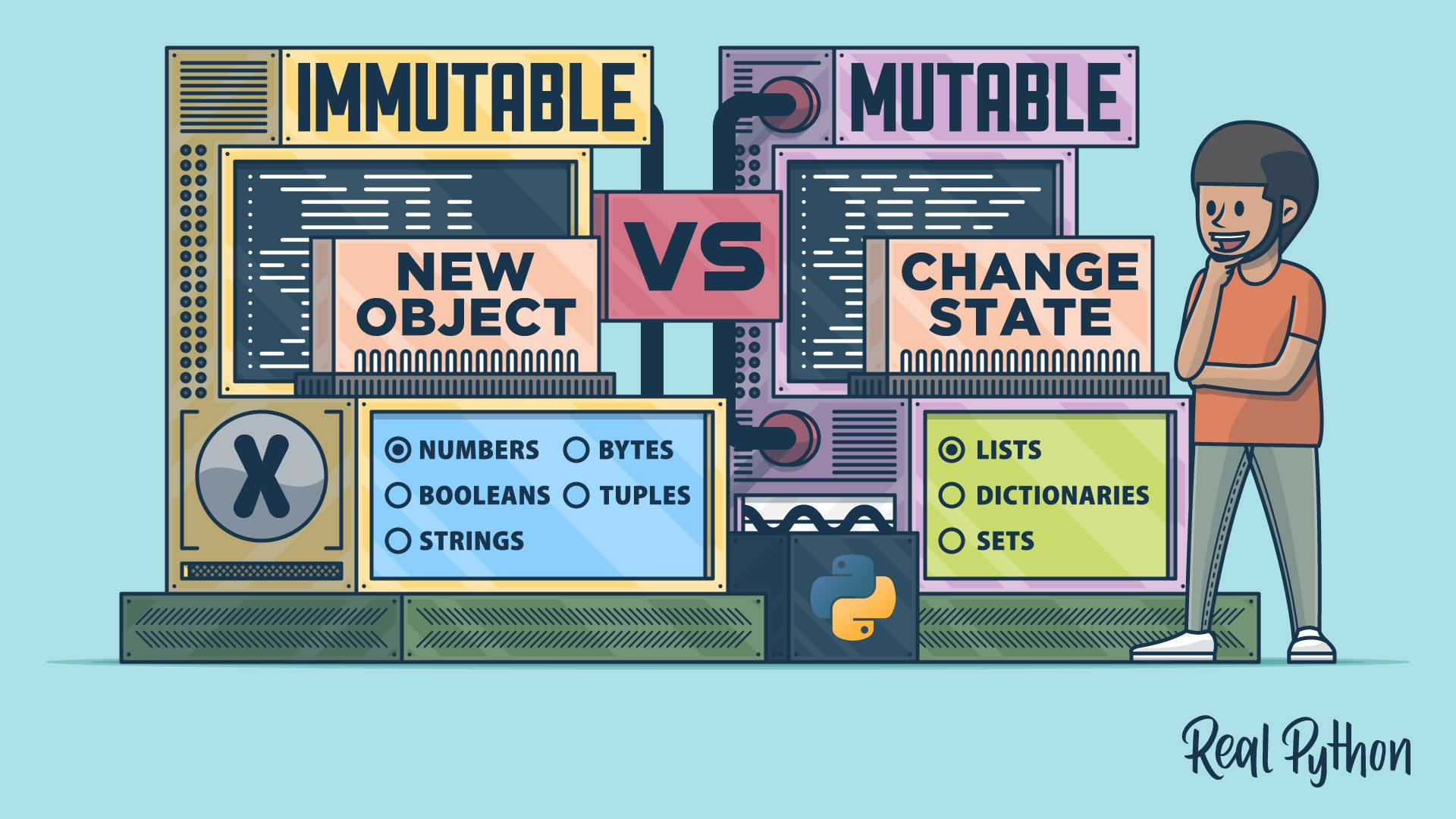
Python objects are either mutable or immutable. Mutable objects, such as lists, dictionaries, and sets, can be changed after creation. Immutable objects, such as numbers, strings, tuples, and frozensets, can’t be modified in place.
How you use these objects can significantly impact the robustness of your code. A careful selection of mutable and immutable objects can prevent bugs and avoid inconsistent states.
Here are some best practices for deciding which type of object to use in your Python code:
- Prefer immutable containers for stable records. Use tuples, named tuples, frozen data classes, or other immutable objects to store values that represent fixed configuration or identity. Immutable records are easier to reason about and safer to share across your code.
- Don’t use mutable objects as default argument values. Don’t use lists, dictionaries, or other mutable objects as default argument values in function definitions. Instead, use
Noneas a sentinel and create a new object inside the function. This practice prevents the internal state of your functions from persisting between calls. - Be explicit when sharing mutable state. If multiple parts of your code need to update the same mutable object, make that requirement clear and well-documented. Otherwise, pass copies to avoid unexpected mutations on the original state.
- Select the appropriate data structure for your specific use case. Use lists for ordered collections that may grow or shrink, dictionaries for fast key-value lookups, sets for unique items and membership tests, and tuples for fixed-size records.
To see one of these issues in practice, consider a function that uses a mutable object as a default argument value:
🔴 Avoid this:
>>> def add_tag(tag, tags=[]):
...     tags.append(tag)
...     return tags
...

>>> add_tag("python")
['python']
>>> add_tag("best-practices")
['python', 'best-practices']
This function appears to create a new list each time it’s called, but tags is initialized only once at function definition time. Subsequent calls reuse the same list, so tags from different calls accumulate unexpectedly.
✅ Favor this:
>>> def add_tag(tag, tags=None):
...     if tags is None:
...         tags = []
...     tags.append(tag)
...     return tags
...

>>> add_tag("python")
['python']
>>> add_tag("best-practices")
['best-practices']
In this version, the function uses None as a sentinel value and creates a new list when no tags list is provided. Each call gets its own list unless you explicitly pass an existing one, making the behavior predictable and clear.
Related Resources
Tutorial
Python's Mutable vs Immutable Types: What's the Difference?
In this tutorial, you'll learn how Python mutable and immutable data types work internally and how you can take advantage of mutability or immutability to power your code.
For additional information on related topics, take a look at the following resources:
- Lists vs Tuples in Python (Tutorial)
- Python's list Data Type: A Deep Dive With Examples (Tutorial)
- Python's tuple Data Type: A Deep Dive With Examples (Tutorial)
- Write Pythonic and Clean Code With namedtuple (Tutorial)
- Strings and Character Data in Python (Tutorial)
- Data Classes in Python (Guide) (Tutorial)
- How to Join Strings in Python (Tutorial)
- Python's Bytearray: A Mutable Sequence of Bytes (Tutorial)
- Dictionaries in Python (Tutorial)
- Bytes Objects: Handling Binary Data in Python (Tutorial)
- Differences Between Python's Mutable and Immutable Types (Course)
- Lists and Tuples in Python (Course)
- Lists vs Tuples in Python (Quiz)
- Exploring Python's list Data Type With Examples (Course)
- Python's list Data Type: A Deep Dive With Examples (Quiz)
- Exploring Python's tuple Data Type With Examples (Course)
- Python's tuple Data Type: A Deep Dive With Examples (Quiz)
- Writing Clean, Pythonic Code With namedtuple (Course)
- Write Pythonic and Clean Code With namedtuple (Quiz)
- Strings and Character Data in Python (Course)
- Python Strings and Character Data (Quiz)
- Splitting, Concatenating, and Joining Python Strings (Course)
- Using Data Classes in Python (Course)
- Data Classes in Python (Quiz)
- How to Join Strings in Python (Quiz)
- Python's Bytearray (Quiz)
- Using Dictionaries in Python (Course)
- Dictionaries in Python (Quiz)
- Python Bytes (Quiz)
